How to Film Skateboarding: Step-by-Step Guide
This post contains affiliate links. As an Amazon Associate, we earn from qualifying purchases.
To film skateboarding, set your camera to 4K or 1080p at 60 frames per second for smooth footage, lock your focus and exposure, and pick your shot angle based on the trick, long lens for gaps, fisheye for close-ups, or follow cam for lines. Frame the skater from head to wheels, start rolling a few seconds before they set up, and keep filming until they roll away cleanly.
Recording at 60fps allows you to slow the clip down later without making the action look choppy. It’s the difference between seeing a crisp kickflip and a blurry jump. Most guides will tell you to use a high frame rate, but they often skip the part about what that frame rate actually does to your editing options.
What follows is a breakdown of the three core filming angles, the gear that actually matters (your phone is enough), and the on-board safety rules nobody mentions when discussing how to film skateboarding until a board flies at their shins.
Key Takeaways
- Set your camera to 4K or 1080p at 60fps before you start; this is essential for smooth playback and usable slow-motion.
- Lock your focus and exposure on the spot where the trick will happen (AE/AF Lock on iPhone) to prevent the image from pulsing as the skater moves.
- For follow filming, you must be steady on your board and only attempt it on smooth ground; cracks and pebbles will throw you and wreck the shot.
- Film everything, not just the makes; the hi-jinx, slams, and stupid shit between tries are often what gives a video its character and story.
- Sources disagree on how long to record after the action: SkateLabs advises to keep rolling until the roll away, while Motion Boardshop recommends letting the camera run an extra 10 seconds for B-roll.
Your Phone Is a Pro Camera (If You Set It Up First)
You don’t need a $3,000 rig. The phone in your pocket shoots sharper footage than the standard-definition cameras that filmed classic 90s videos. What makes a clip good is how you film it, not the price tag on the gear.
Before you start: A flying skateboard is a hazard. Get comfortable filming without staring at the screen so you can watch the skater and dodge. Use a wrist strap, phones dropped at skateparks don’t last long.
The Non-Negotiable Camera Settings
The SkateLabs guide is blunt about this: spend thirty seconds in your camera settings before the session. It saves you from a morning of blurry, pulsing clips you can’t use.
First, set your resolution and frame rate to 4K or 1080p at 60 frames per second. The 60fps setting creates a smooth look and, most importantly, allows you to slow the clip down in editing without introducing jitter. Use 4K if you have the storage; 1080p is perfectly fine if you don’t.
Second, lock your focus and exposure. On an iPhone, you tap and hold on the spot where the trick will happen until you see “AE/AF Lock” appear. This stops the camera from constantly re-adjusting as the skater moves into the frame, which causes that annoying brightening/darkening pulse. Android phones have a similar function, find it and use it.
| Setting | What to Pick | Why It Matters |
|---|---|---|
| Resolution/Framerate | 4K 60fps or 1080p 60fps | Enables smooth slow-motion; 60fps is the minimum for professional-looking playback. |
| Focus & Exposure | AE/AF Lock (tap and hold) | Prevents the image from “pulsing” and losing focus mid-trick. |
| Lens Selection | 0.5x (ultra-wide), 1x, or 2x | Digital zoom makes footage mushy; switch between the phone’s actual lenses instead. |
| Orientation | Horizontal for edits, Vertical for social | Decide where the clip will live before you hit record. |
Finally, decide between vertical or horizontal before you film. Horizontal is the standard for most video edits; vertical is often used for social media. Picking after the fact means cropping and losing part of your frame.
The Three Filming Angles Every Clip Needs
Most skate clips come from three basic setups. Learn each one and you can film almost anything.
1. The Long Lens (1x or 2x)
Stand back and keep the camera still. Use your phone’s 1x or 2x optical lens (never digital zoom). This angle shows the whole spot and how big the trick really is. It’s perfect for gaps, stairs, and any trick where the scale matters. The sound of the wheels hitting the ground after a big drop is clearer here, too.
2. The Fisheye Style (0.5x Ultra-Wide)
Get close and low. Use the ultra-wide 0.5x lens on your phone, or clip on a dedicated fisheye attachment. This is the classic skate video look, everything feels fast, big, and distorted. You need to move with the skater, so it takes practice. As the Tactics guide notes, you have to get comfortable “filming blind,” watching the skater and not your screen, because boards fly.
3. The Follow Cam
This is where you ride along behind or beside the skater, filming as you go. It’s made for lines and flowing park runs. It’s also the most technically demanding style for the filmer, requiring you to be a competent skater yourself. More on that in a minute.
I always prop my phone against my backpack to film my own attempts. The long-lens angle from a stationary spot shows me exactly where my shoulders are turning during a carve. It’s a brutally honest teacher.
Framing the Shot: What to Keep In (and What to Cut)
A trick clip is about the board and the feet. If the viewer can’t see the board, there’s no trick. It seems obvious, but it’s the most common mistake in beginner footage.
The SkateLabs rule is simple: frame the shot to include the skater from head to wheels. Cut off the feet and the clip is useless. Leave room ahead of the skater in the direction they’re rolling, so they roll into the frame, not out of it.
Common mistake: Starting the recording as the skater begins their trick. You miss the setup, and the clip feels abrupt. Start rolling a few seconds before the setup and keep filming until they roll away cleanly. The roll-away is the proof of the make.
Sources disagree on the finer points. Sources disagree on framing: SkateLabs advises framing from head to wheels, while Tactics, for fisheye shots, says to keep the skater’s entire body in the frame. Sources disagree on the angle: Tactics advises filming the skater’s front side when possible during follow filming, while a Reddit user states a blunt rule of ‘no ass shots’. If the trick involves a 180, decide if you want to feature the roll-up or the roll-away.
Where to Stand: The Great Camera Height Debate
Here’s where the guides don’t agree, and it’s useful to see why.
The Motion Boardshop guide throws out a specific rule: avoid holding the camera anywhere between the bellybutton and the top of the head. That mid-height, eye-level stance gets boring fast. Meanwhile, a tip from the Reddit community simply says: get low so things look bigger.
The Tactics guide for fisheye filming explicitly says to hold the camera low and angle it up at the skater. This makes the skater and the obstacle look larger, which is the whole point of the fisheye aesthetic.
| Source | Recommended Camera Height | Best For |
|---|---|---|
| Tactics | Low, angled up | Fisheye shots, making tricks look bigger |
| Motion Boardshop | Avoid mid-height (bellybutton to head) | Creating visual variety, avoiding boring angles |
| Reddit Community | Get low | A general rule of thumb for a more dynamic shot |
So which is right? They all are, for different shots. For a classic fisheye look, go low. For a long-lens shot of a gap, you might stand at waist height on a ledge. The universal rule is: if every shot is from the same height, your video will be boring. Move your feet. Crouch, climb, lie down.
How to Film Skateboarding on the Move (Follow Cam)

Follow filming is where the job gets physical. You’re no longer a stationary observer; you’re part of the action. This is also where most safety warnings live, because holding a camera while skating is a recipe for a slam if you’re not prepared.
The SkateLabs guide lays out the prerequisites clearly: the filmer must be steady on their board, and follow filming only works on smooth ground. Cracks and pebbles will throw you. They also deliver the cardinal rule: if you’re watching the screen, you’re not watching where you’re going.
Where this goes sideways: Attempting follow cam without being a solid skater yourself. You’ll either eat pavement or drop your camera. Practice the line without the camera first.
The Tactics guide adds crucial gear advice: use a filming board with soft wheels. Soft wheels make your ride less noticeable in the audio, help you maintain speed, and allow you to roll over debris easier. They also recommend minimizing pushing during the line for smoother filming.
You need to plan the line when learning how to film skateboarding. Figure out where the skater starts and ends, and where you need to be at each point. Practice filming with both your right and left hand so you can switch quickly if the skater changes direction. And as Tactics puts it, try to stay out in front and film the skater’s front side when possible.
I tried filming a friend’s line once before I was comfortable skating one-handed. I spent so much mental energy on not falling that every shot was shaky and poorly framed. The clips were unusable. Now I know: filming skill is a skating skill.
Gear That Actually Makes a Difference

You can film an entire video with a phone. But if you want to step up, a few specific tools open new doors.
For a dedicated action camera, the GoPro HERO12 Black is built for this. It captures what GoPro calls “silky smooth slow-motion scenes.” Its smaller cousin, the GoPro MAX, offers a 360-degree field of view for unique, immersive angles. Mounting is key: for a POV perspective, use an adhesive mount or a Vented Helmet Strap Mount on a helmet. For a board perspective, stick the camera directly on or under the board.
GoPro’s own list of recommended accessories includes Curved + Flat Adhesive Mounts, a Hand + Wrist Camera Strap, the El Grande extension pole, the MAX Wide Lens Mod, and the Bite Mouth Mount. Each one solves a specific problem, getting a unique angle, keeping the camera secure, or extending your reach.
But the classic tool, revered since the late 90s, is the fisheye lens paired with a compatible camera. This combo defined the look of a generation of skate videos. While that’s a professional-grade setup, the principle remains: a wide, distorted view makes skating look fast and personal.
What to Do With All That Footage
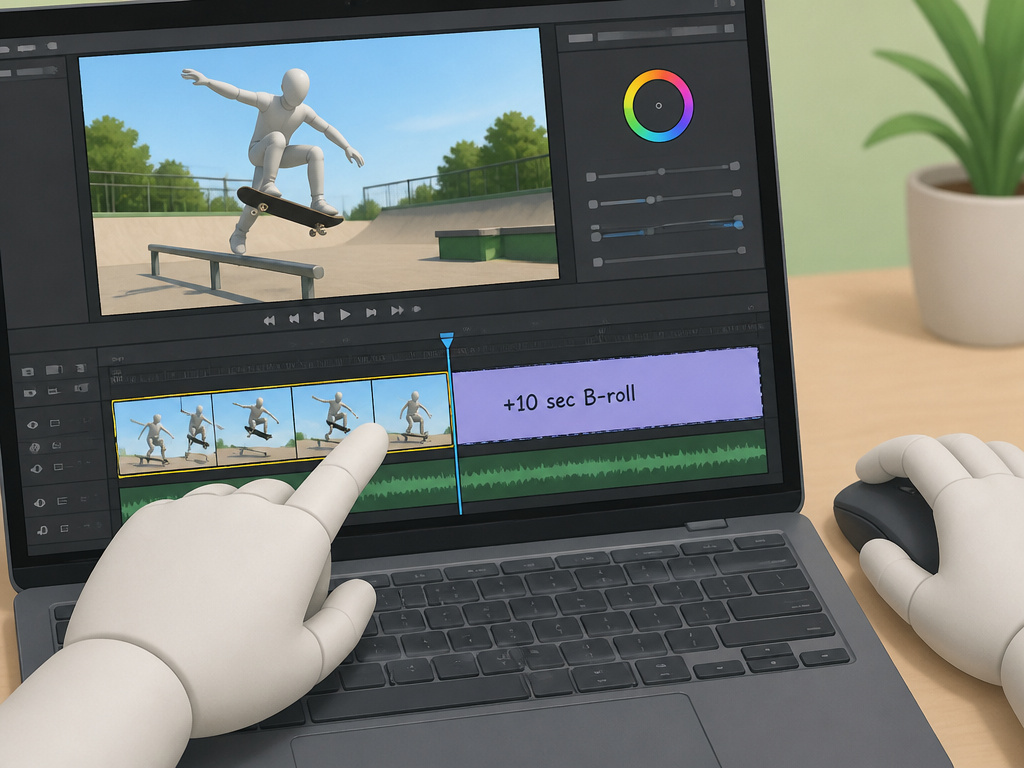
Filming is only half the job. The other half is sitting down and turning those clips into something people want to watch.
First, let the camera run for an extra 10 seconds after the action stops. The Motion Boardshop guide swears by this. That’s when the skater celebrates, groans, or does something stupid, prime B-roll material. Sources disagree: SkateLabs advises to keep rolling until the roll away, while Motion Boardshop recommends an extra 10 seconds for B-roll.
When you edit, keep clips short. Don’t show the rider rolling away for five seconds. Cut on the action. Avoid putting clips filmed from the same angle back-to-back; it makes a video feel bland. And don’t overdo slow-motion or fast-motion. Use them for emphasis, not as a crutch.
The part nobody mentions: Play the edit without sound. This shows you how smooth the cuts and transitions are. Then play it without video, just listening to the audio. You’ll catch inconsistent sound levels you missed while watching.
This is where knowing the process of editing a skate video becomes critical. Editing is where you find the rhythm of the session and the story between the tricks.
Beyond the Makes: Filming the Real Session
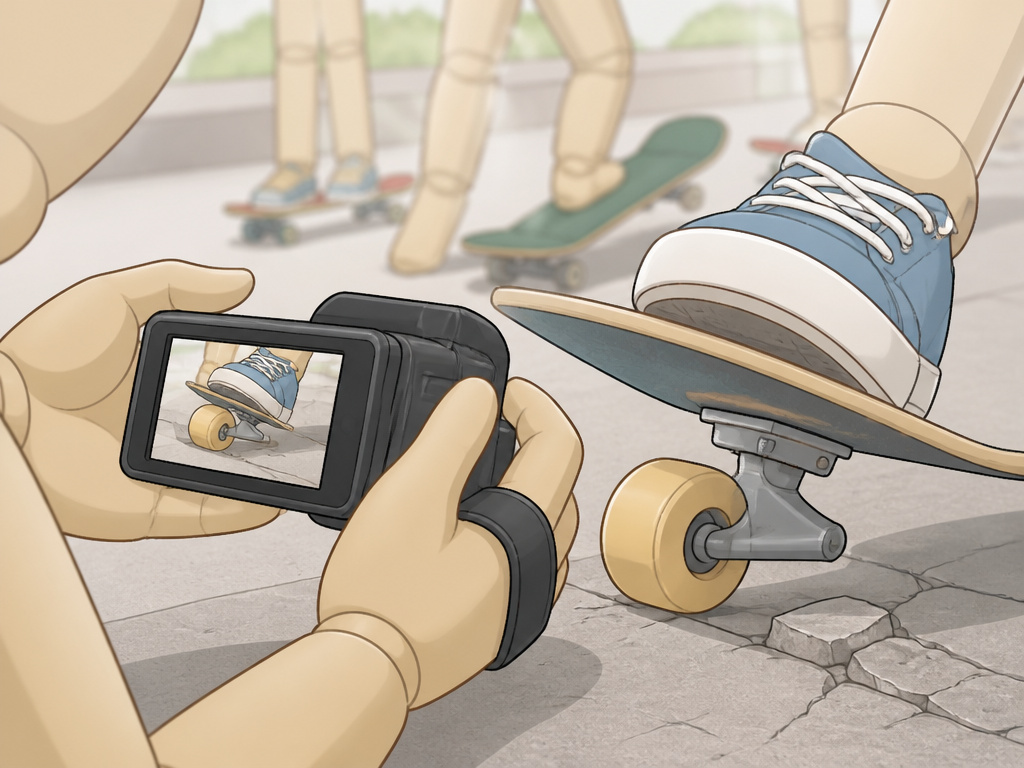
A Reddit user who worked in the industry for years dropped the best advice: Film everything. Don’t just focus on documenting tricks. The hi-jinx and stupid shit people do is just as important. Often more important.
The skate industry is incredibly small. Breaking in is a long shot for anyone. So the best thing you can do is make your own stuff with your local crew. Be the one who films relentlessly. Be the chauffeur, the snack fetcher, the first-aid kit haver. Your job is to make your friends look good, and that often means capturing the laughter after a slam, the dumb bet that led to a new trick, the quiet focus before a try.
That’s how you develop a style. You’re not just recording tricks; you’re documenting a day with your friends. That authenticity, more than any camera setting, is what makes people watch.
Frequently Asked Questions
What is the best camera for filming skateboarding?
Your smartphone is the best starting point. For a dedicated tool, the GoPro HERO12 Black is a top choice for its slow-motion capabilities and durability. If you want the classic professional look, a camera with a fisheye lens is the holy grail for some, but such setups can be heavier and require more skill. The best cameras for skateboarding will always balance portability, image quality, and how steady you can hold them.
How do you keep the camera steady while filming skateboarding?
For stationary shots, prop your phone against a backpack, ledge, or use a small tripod. While moving, your body is the stabilizer. Bend your knees, keep your core tight, and hold the camera with two hands when possible. Smooth, controlled pushing on your board is essential for steady follow shots. Practice skating one-handed without a camera first.
What should you avoid when filming skateboarding?
Avoid filming only from a standing eye-level height, mix up your angles. Avoid “ass shots” where you’re only filming the skater’s back. Don’t stare at your screen while follow-filming; watch the skater and your path. Don’t stop recording the instant the trick lands; capture the reaction and roll-away. Finally, avoid putting two clips from the same angle back-to-back in an edit.
Can you film skateboarding alone?
Yes, you can self-film. Use a tripod or prop your phone/GoPro in a stable position. Set a wide frame so you have room to land. The GoPro MAX is excellent for this because its 360 view allows you to reframe the shot after you’ve skated. For the purpose of analyzing your own skate footage, self-filming is invaluable for spotting technical errors.
Before You Go
One rule most guides skip: if you’re filming your friends, your primary job is to not get hit by a flying board. Safety isn’t a side note; it’s the first skill. Get comfortable filming blind, know your limits on a board, and always use a wrist strap.
The real work starts after you stop recording. Sorting clips, finding the story, and learning the process of editing a skate video is what transforms a pile of footage into a video people will share. It’s a grind, but it’s the part where you actually make something.
Finally, watch the Transworld “Cinematographer Project” on YouTube. It’s a masterclass in why the person behind the camera matters as much as the person on the board. Then go film your friends. The best way to learn is to fill up your phone’s storage, make a ton of mistakes, and do it again next weekend.
